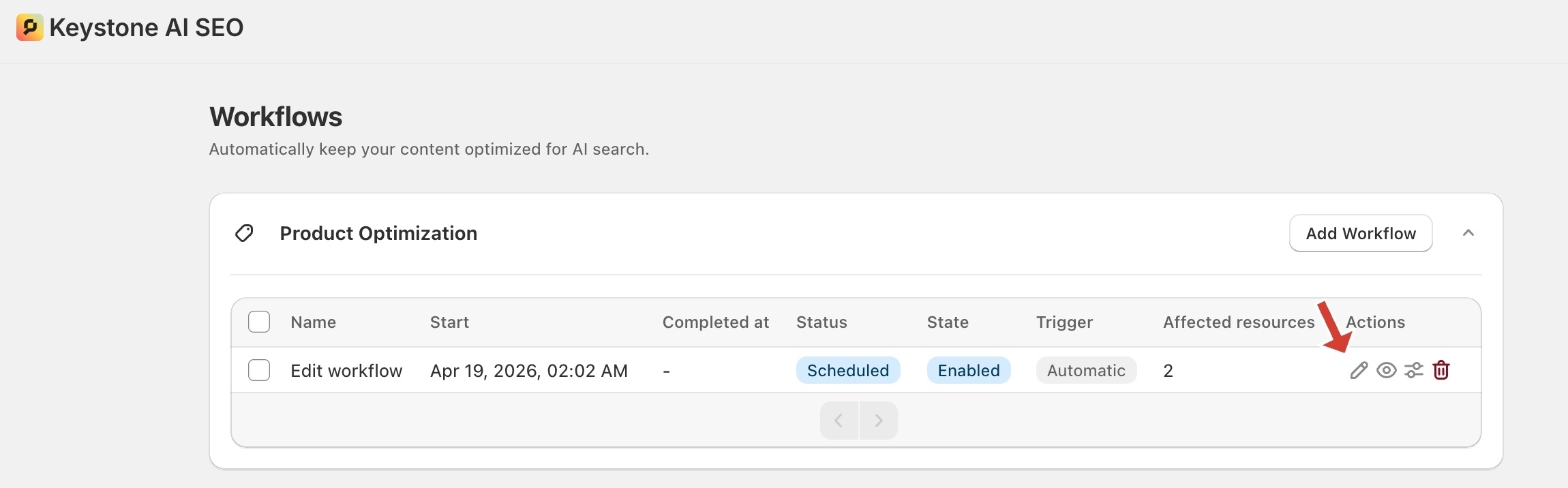
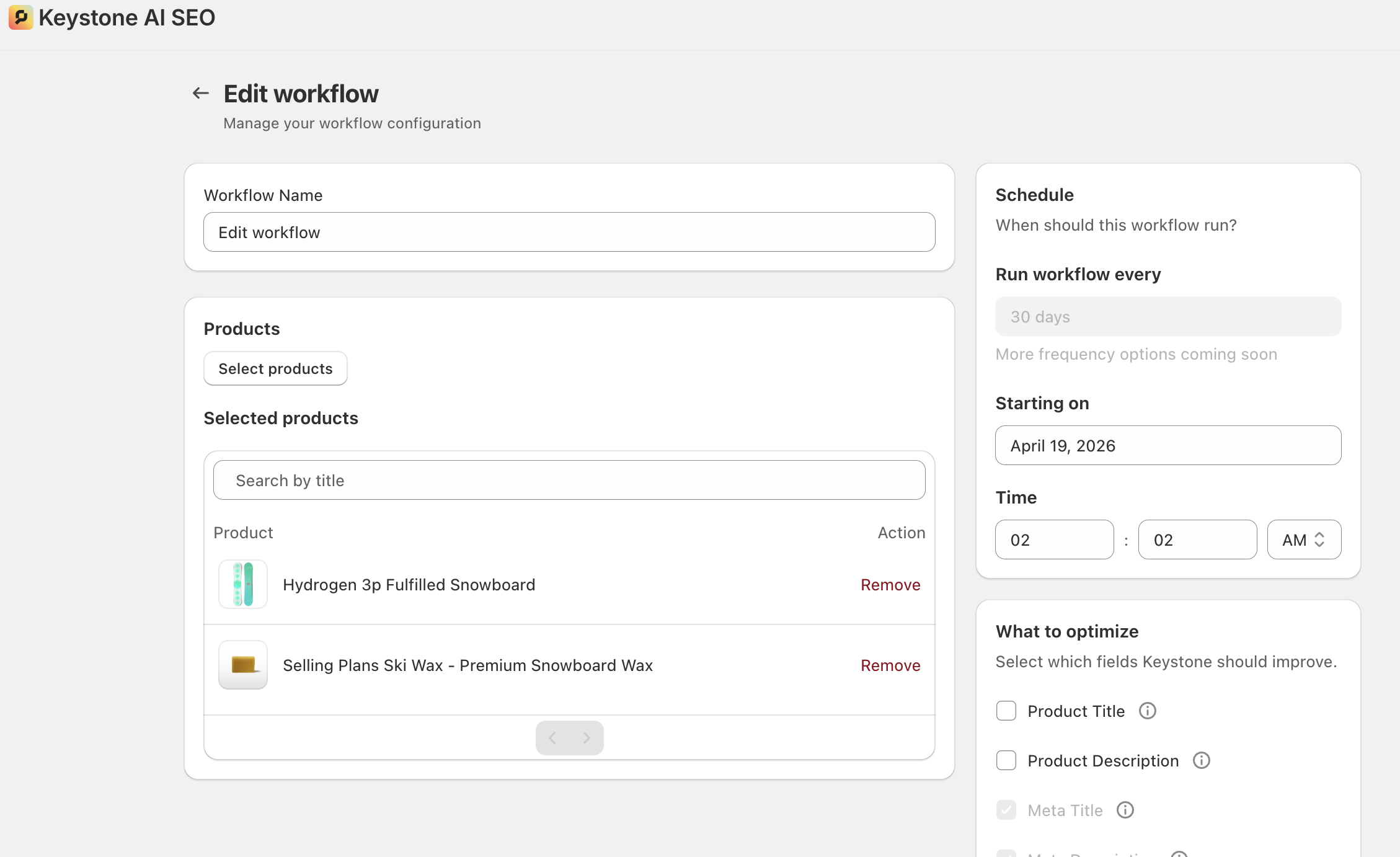
When a user clicks the edit icon, they are navigated to the Edit Workflow page, which mirrors the workflow creation interface but is pre-populated with the selected workflow’s existing data.
Users can update the workflow title, selected products or articles, scheduled time, and fields to be optimized. Once the desired changes are made, clicking the Save button in the save bar persists all updates, seamlessly applying the changes to the existing workflow.
Was this article helpful?
That’s Great!
Thank you for your feedback
Sorry! We couldn't be helpful
Thank you for your feedback
Feedback sent
We appreciate your effort and will try to fix the article