Create hundreds or thousands of redirects at once by uploading a CSV file. It's the fastest way to keep your traffic when you move to Shopify, change domains or rename a lot of products.
ℹ️ Plan: Bulk upload of 404 redirects is available on all plans, including Basic. Rows for live redirects and subdomain redirects need Pro+.
Step 1: Prepare your CSV file
Each row creates one redirect. The easiest way to start is to download the example file in the app: go to Redirects → Bulk Upload and click Download example CSV.
| redirect from | redirect to | group (optional) |
| /news | /blogs/news | |
| /our-amazing-brand | /pages/about-us | |
| /pages/contact-us | /pages/contact | group-one-redirects |
- redirect from: the old URL, as a relative path starting with
/, for example/product/pink-socks. - redirect to: a relative path for a page on your store (
/products/pink-socks), or a full URL for another website (https://example.com/page). - group: column to insert group name if you want to categorize redirects by group.
⚠️ Using Excel? Save the file as CSV (comma delimited), not .xlsx. If your URLs contain non-English characters, save it as CSV UTF-8.
Step 2: Upload it
- In the app, go to Redirects → Bulk Upload.
- Drop your CSV file on the upload area, or click Choose file.
- Check the preview. It shows what will be imported before anything is created.
- Confirm the import.
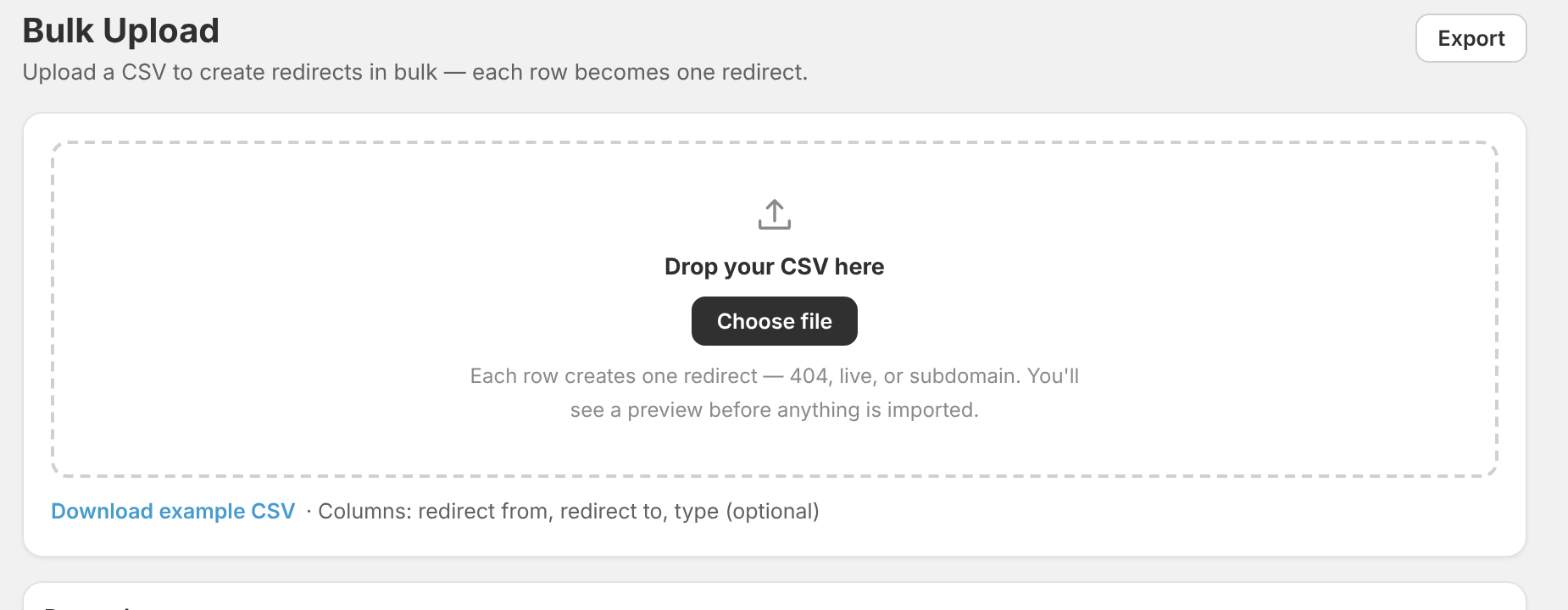
Large files can take a while. You'll find the import under Recent imports, and we email you when it's done.
Step 3: Check the result
When the import finishes, you see how many redirects were created, skipped or failed. Open the import to see which rows didn't go through and why. Fix those rows in your file and upload just them again.
Common reasons a row is skipped:
- A redirect for the same "redirect from" URL already exists.
- The "redirect from" URL doesn't start with
/, or still opens a working page (it needs to be a 404, unless the row is a live redirect). - The "redirect from" URL is one of Shopify's reserved paths, such as
/products,/collectionsor/cart. - The "redirect to" URL is for another site but isn't a full URL starting with
https://. - The row is a live redirect, but your store isn't on Pro+.
Good to know
- Shopify allows up to 100,000 URL redirects per store (20,000,000 on Shopify Plus).
- Moving your whole store to Shopify? Follow the Shopify Migration Guide.
Still stuck? Contact our support team and we'll help you. You can also book a call with our Product Manager.
Was this article helpful?
That’s Great!
Thank you for your feedback
Sorry! We couldn't be helpful
Thank you for your feedback
Feedback sent
We appreciate your effort and will try to fix the article