Store-wide settings: upsell area, order tags, unpaid items, fulfilment hold, languages, integrations and billing.
Open Settings in CartHook for settings that apply to all your funnels.
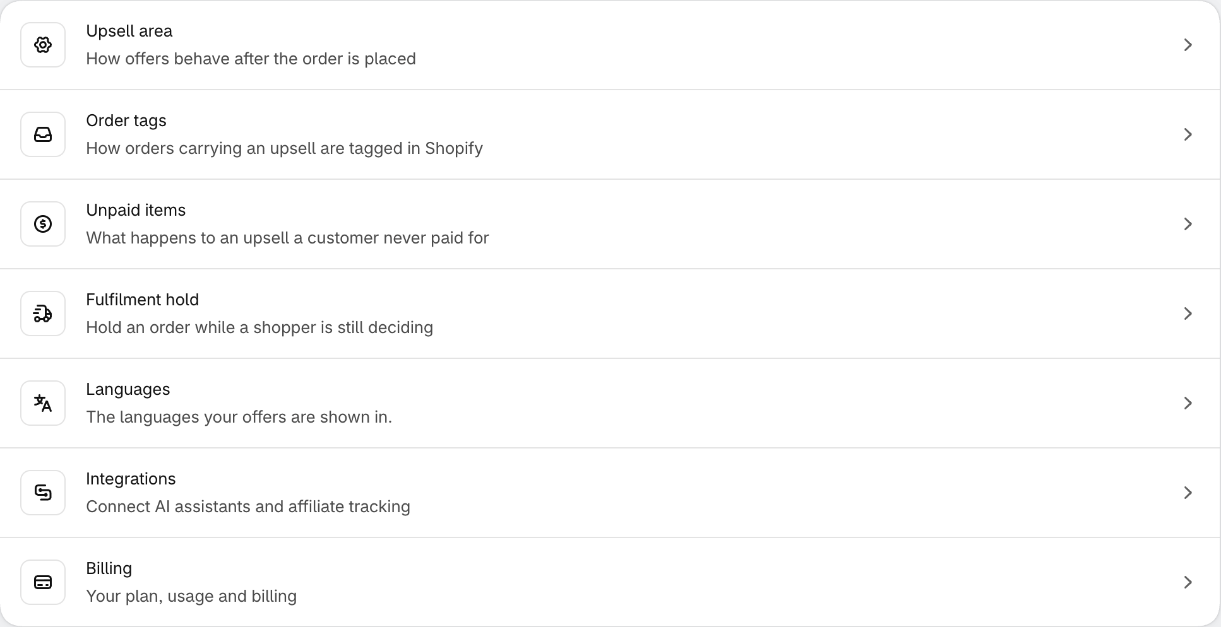
| Page | What it's for |
|---|---|
| Upsell area | How thank-you page upsells are paid for and added - see Payment and settings. |
| Order tags | How orders carrying an upsell are tagged in Shopify. |
| Unpaid items | Remove post-purchase upsells a customer never paid for. |
| Fulfillment hold | When to release the hold on orders with a post-purchase upsell, and holding risky orders. |
| Languages | The languages your offers are shown in. |
| Integrations | LeadDyno affiliate tracking and AI assistants. |
| Activity log | What has changed in CartHook, and who changed it. |
| Billing | Your plan, usage and billing - see Plans and billing. |
Each page has its own Save bar. Turning on something your plan doesn't include shows the plans that do.
Order editing has its own page in CartHook - see Order editing.
Pausing CartHook
There's no pause switch. If you're not using CartHook for a while, select Contact support on the Account page and our team can pause your account.
Was this article helpful?
That’s Great!
Thank you for your feedback
Sorry! We couldn't be helpful
Thank you for your feedback
Feedback sent
We appreciate your effort and will try to fix the article