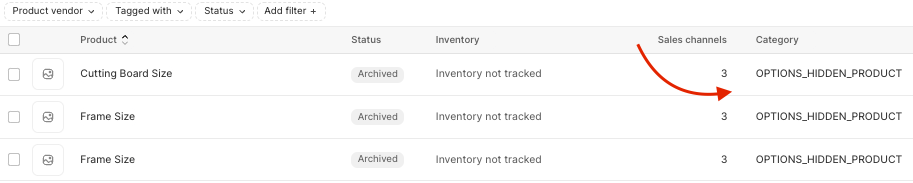
When a priced option is created, it also creates a "hidden product" in your Shopify admin. The hidden product is a regular Shopify product that's tagged as OPTIONS_HIDDEN_PRODUCT.
To make sure that your priced options don't charge any additional shipping, it's highly recommended to mark them as a digital product within the Shopify admin:
- From the Shopify admin, select Products > All Products.
- Find the hidden priced option product.
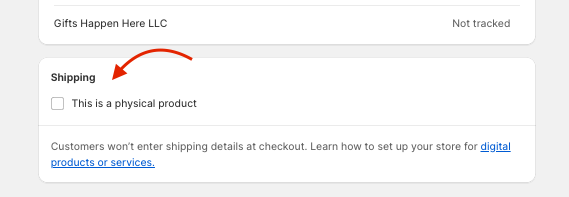
- In the Shipping section of the product page, uncheck This is a physical product.
- Click Save.
Was this article helpful?
That’s Great!
Thank you for your feedback
Sorry! We couldn't be helpful
Thank you for your feedback
Feedback sent
We appreciate your effort and will try to fix the article