- From within the Product Options app, select Settings > Display Settings.
- At the bottom of the page in the Advanced Users section, in the Custom CSS field, enter the following code:
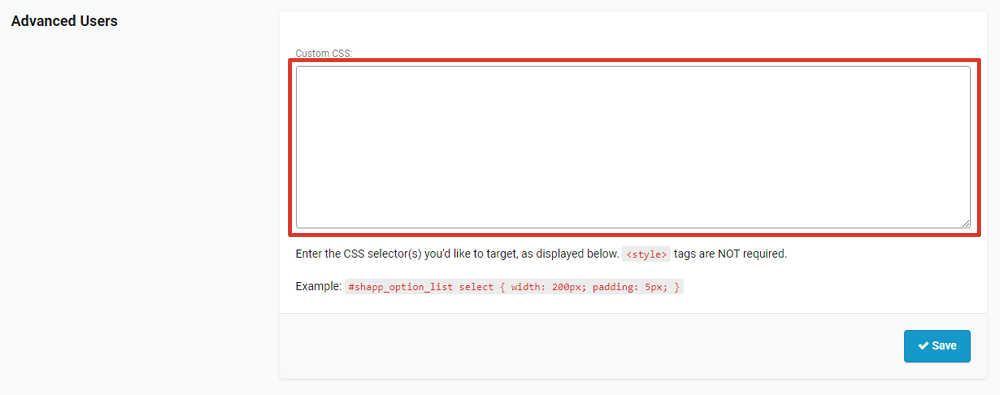
- Select Save.
Was this article helpful?
That’s Great!
Thank you for your feedback
Sorry! We couldn't be helpful
Thank you for your feedback
Feedback sent
We appreciate your effort and will try to fix the article