Option Groups
Option Groups allow you map options to your products and add personalization options and extra selection to them.
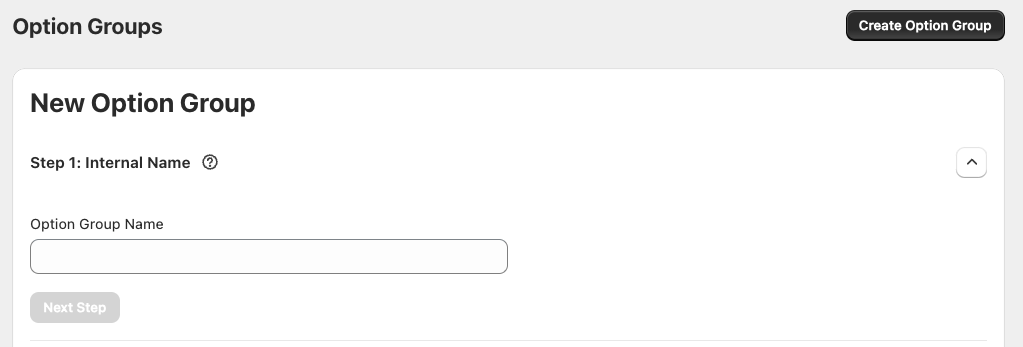
Step 1: Internal Name
This allows you to name the Option group internally.
Step 2: Products
This is the section which is going to allow you to select products which will display options.

You can select from different segments of products:
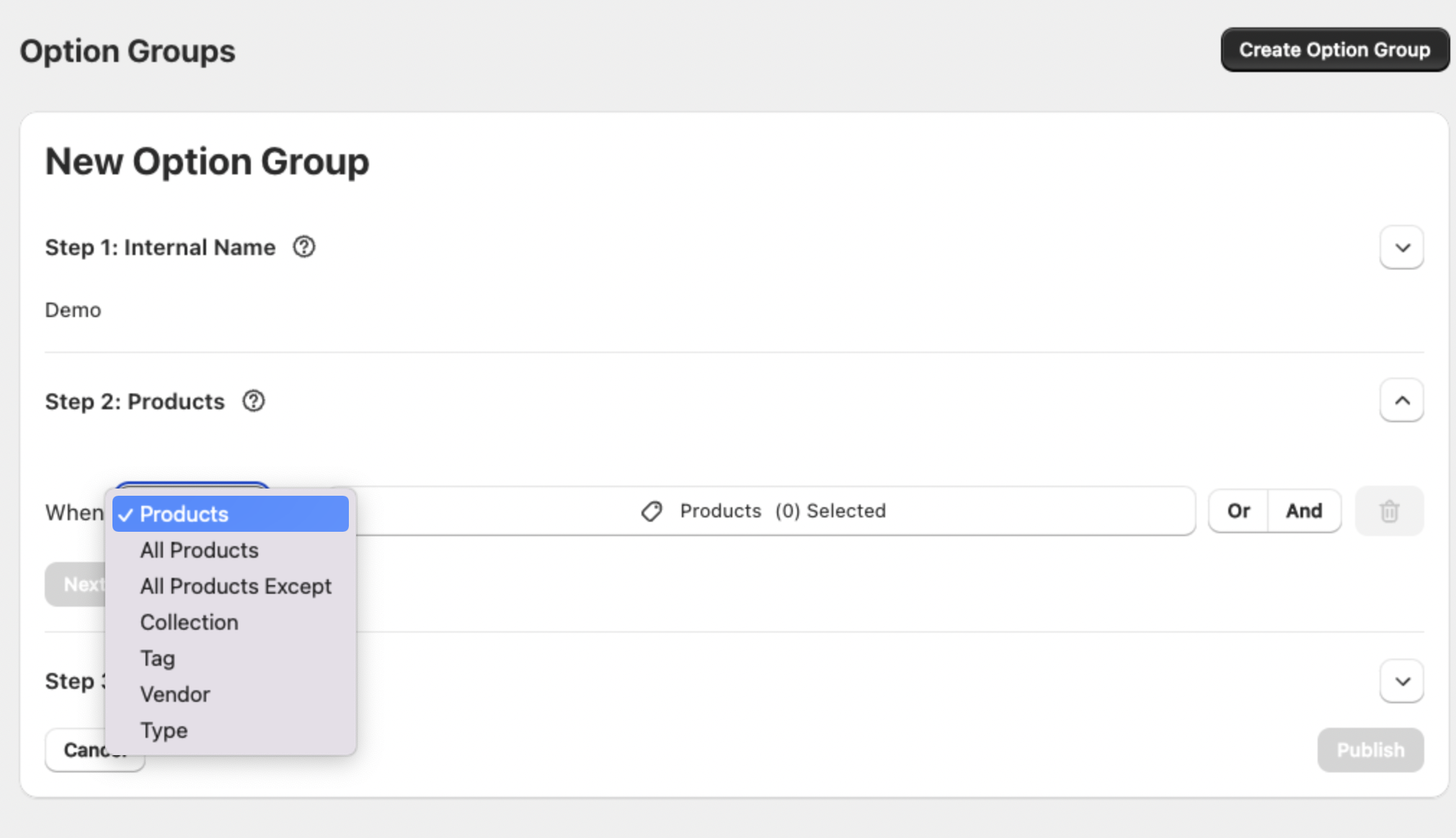
Then once you have selected a product segment, you can proceed to select the products that this options will apply to.
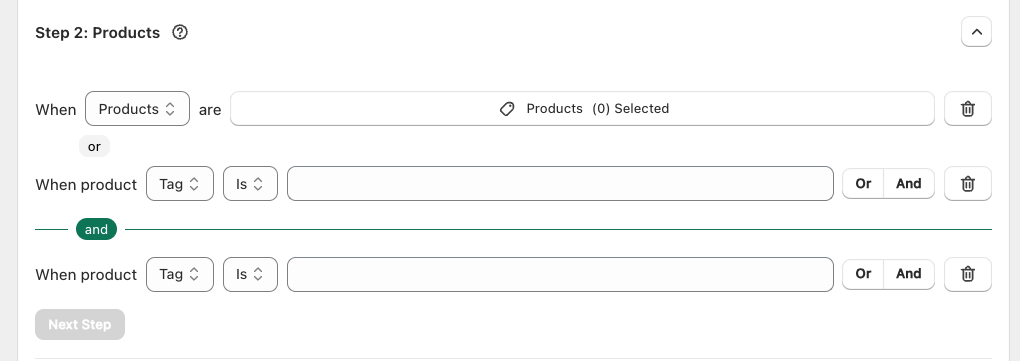
There is the option to have logic in the product selection to allow for different combinations of products that have the options applied.
Step 3: Options
This section is where you can create or select the options that will be applied to the products above.
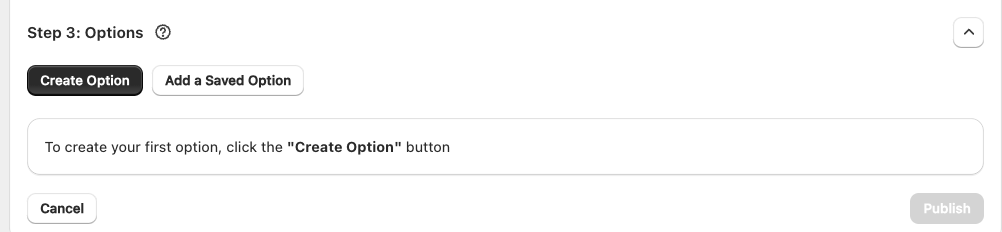
Upon choosing "Create Option" a pop-up will appear that allows you to create options, to get more detail on this click here.
Was this article helpful?
That’s Great!
Thank you for your feedback
Sorry! We couldn't be helpful
Thank you for your feedback
Feedback sent
We appreciate your effort and will try to fix the article