You can upload images for individual store locations, and this will allow you to show store photos, logos, or storefronts directly in your Store Locator cards.
Adding a store image helps customers recognize the location at a glance; whether it’s a storefront, map snapshot, or product highlight. You can use this space to showcase your brand or help your stores stand out visually.
Where Will the Image Show?
Once added, the image will appear at the top of the store location card. This applies to both:
The Proxy Page: The default hosted version of your Store Locator.
The App Block: The version embedded directly into your Shopify theme.
How to Add or Replace a Store Image?
1. From the Shopify Admin, select Apps and open Store Locator.
2. Select Manage Locations.
3. Click on the specific store you wish to edit.
4. Scroll to the section labeled Store Image.
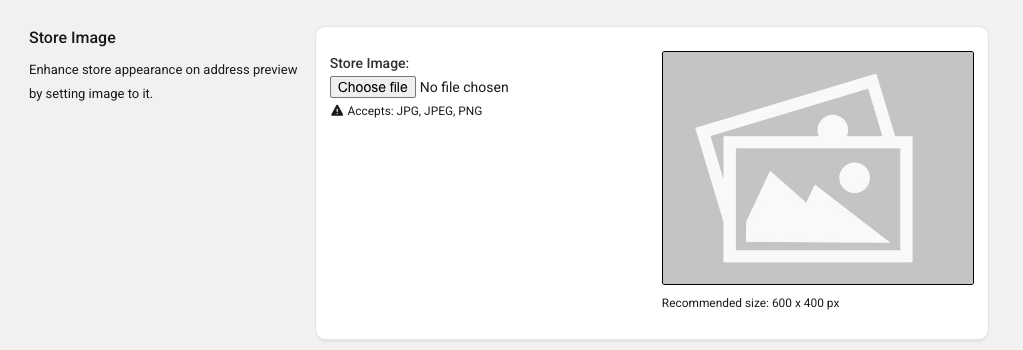
5. Choose to Upload, Replace, or Delete the image.
6. Save changes.
Current Limitations
We are working intensively on improving our App. However, we do have certain limitations. Currently, you cannot...
- Upload images larger than 1MB
Was this article helpful?
That’s Great!
Thank you for your feedback
Sorry! We couldn't be helpful
Thank you for your feedback
Feedback sent
We appreciate your effort and will try to fix the article