The location and zoom level you choose here will display on your map's initial page load, to your customers. Please follow the steps below.
1. From the Shopify Admin, select Apps.
2. Select Store Locator.
3. Select Settings.
3. Select Display Settings.
4. Scroll down until you hit the Initial Map Positioning section and select Edit.
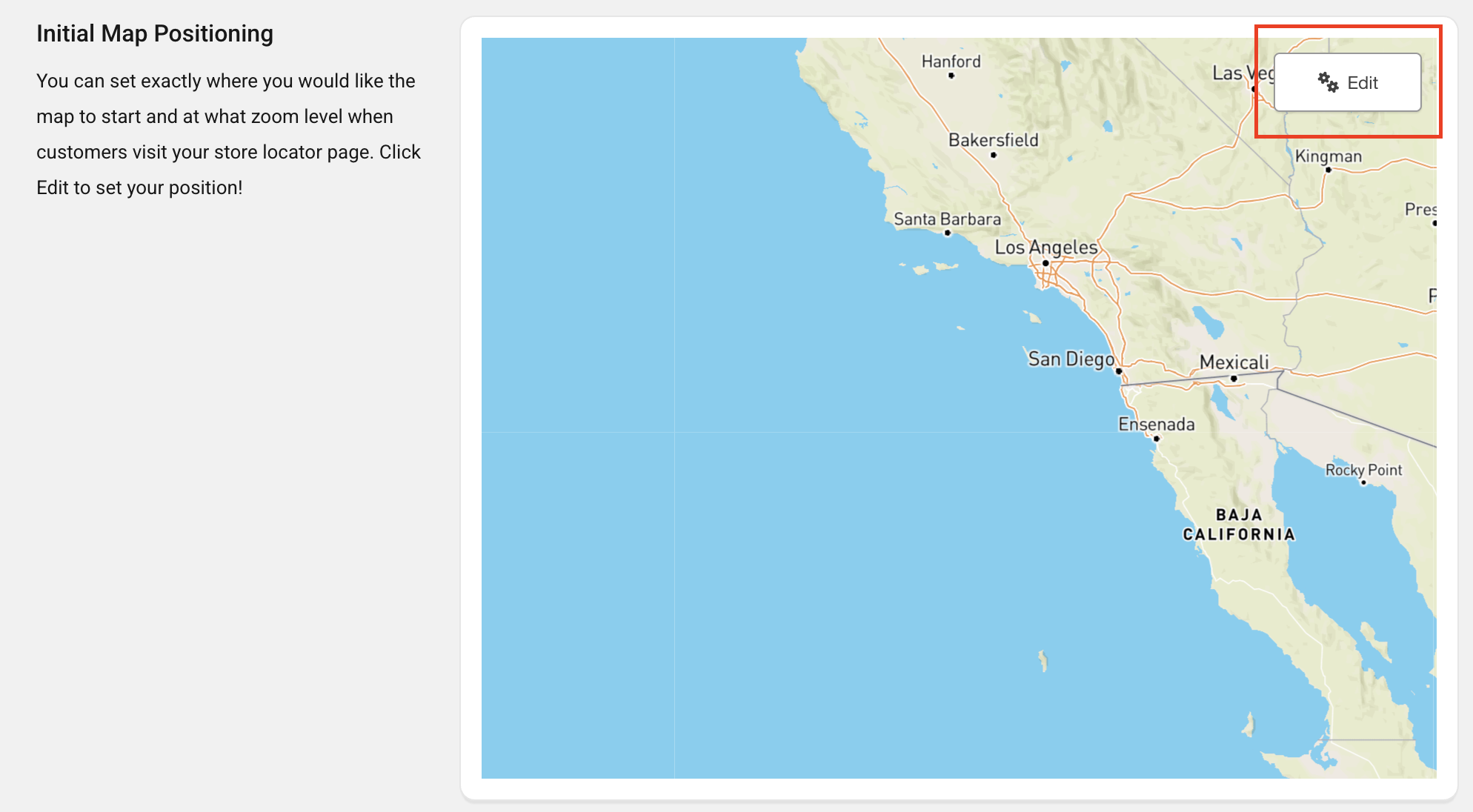
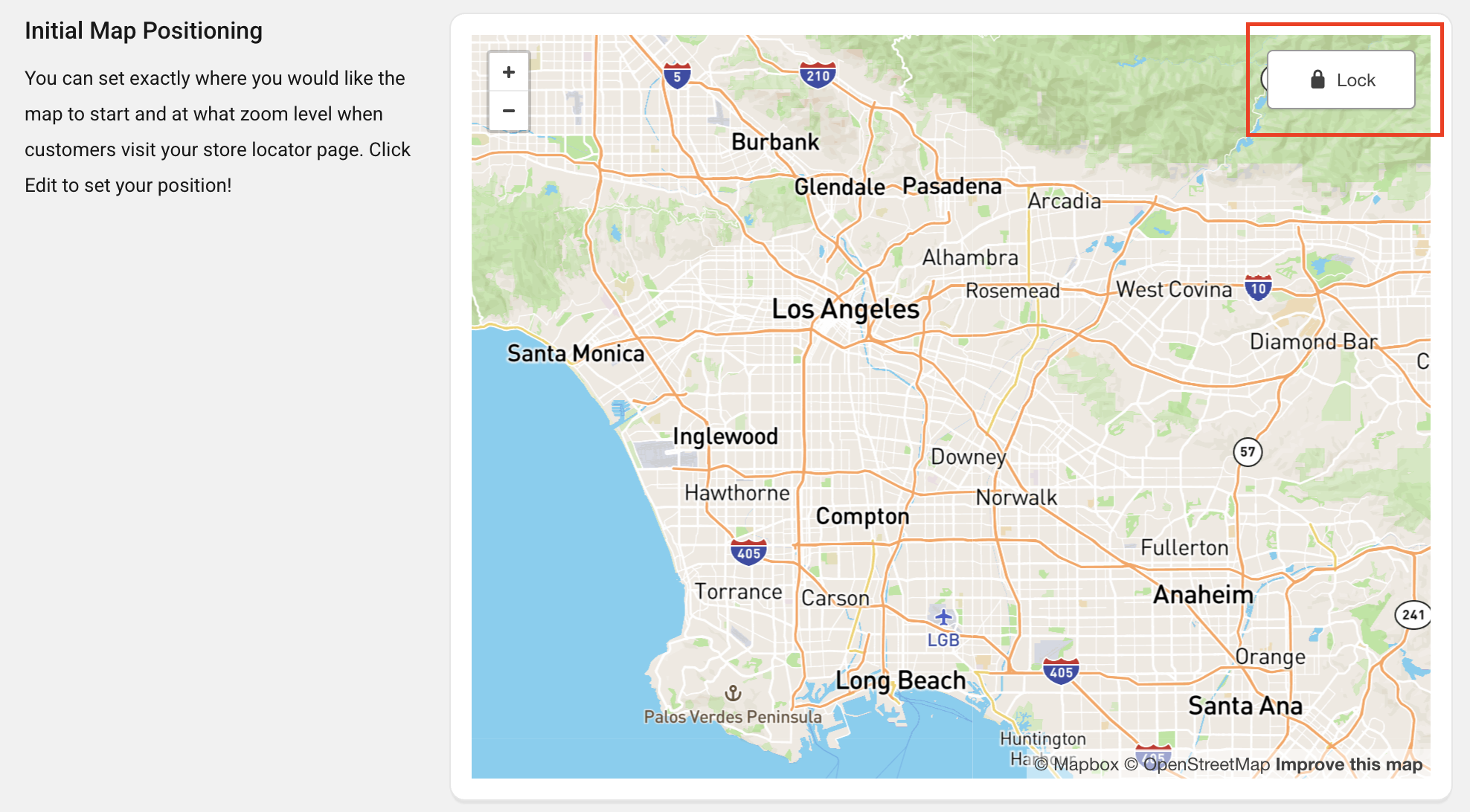
5. Click and drag to move around the map to your liking.
6. Select Lock.
 7. Save changes.
Important Note
- If you've selected the Legacy Layout, and My Location is turned on, the initial map position will be overwritten and will be positioned on customers' current locations.
- If you've turned on Load Locations With Map, the map that you've set here will have no map pins after the initial load.
- Once your customers see the map on the initial load they cannot select and ask for directions immediately. Get Direction, only works once your customer has completed a search by inputing information in the map search box (and if the search found any locations).
Contact Us
- Reach out to our Support Staff, or use our live chat if you have any obstacles.
- Schedule a call with an expert to help you set up or customize the app.
Was this article helpful?
That’s Great!
Thank you for your feedback
Sorry! We couldn't be helpful
Thank you for your feedback
Feedback sent
We appreciate your effort and will try to fix the article